Clear your camera roll, one month at a time.
Swipe right to keep, left to delete. Nothing is deleted while you swipe: you review what you marked, then iOS asks before anything goes.
Coming soon to the App StoreFor iPhone, iOS 18 or later
Nothing is deleted while you swipe
-
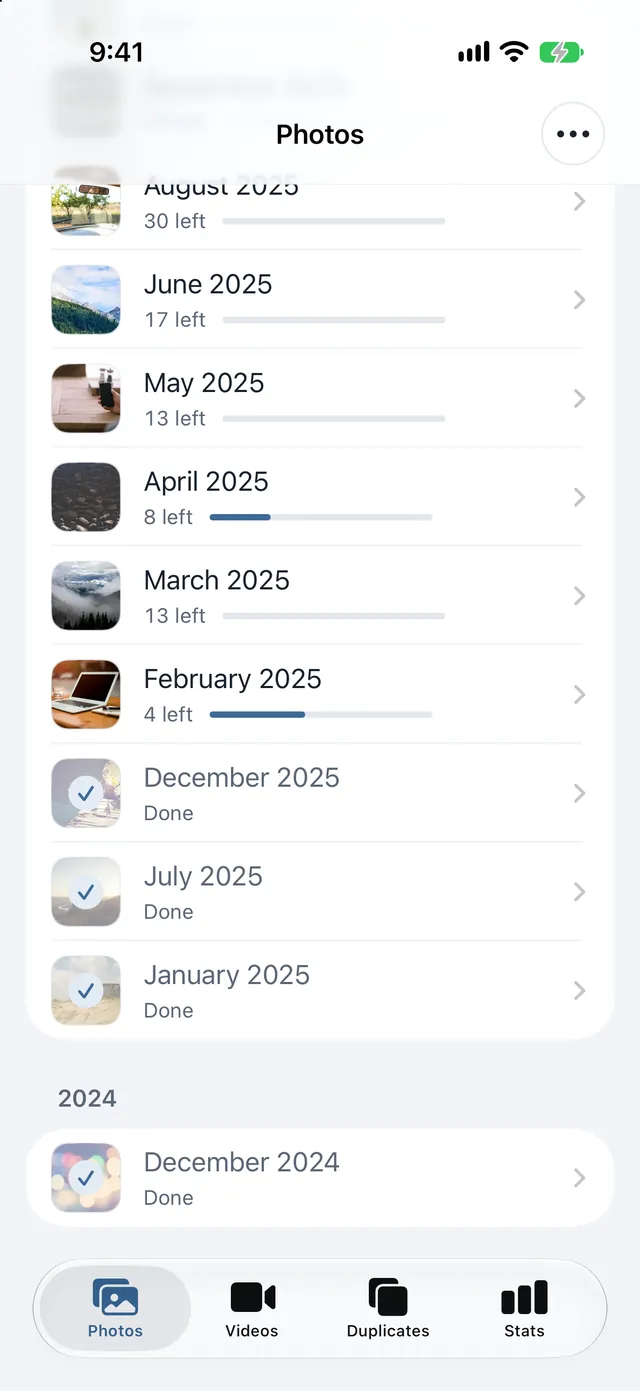
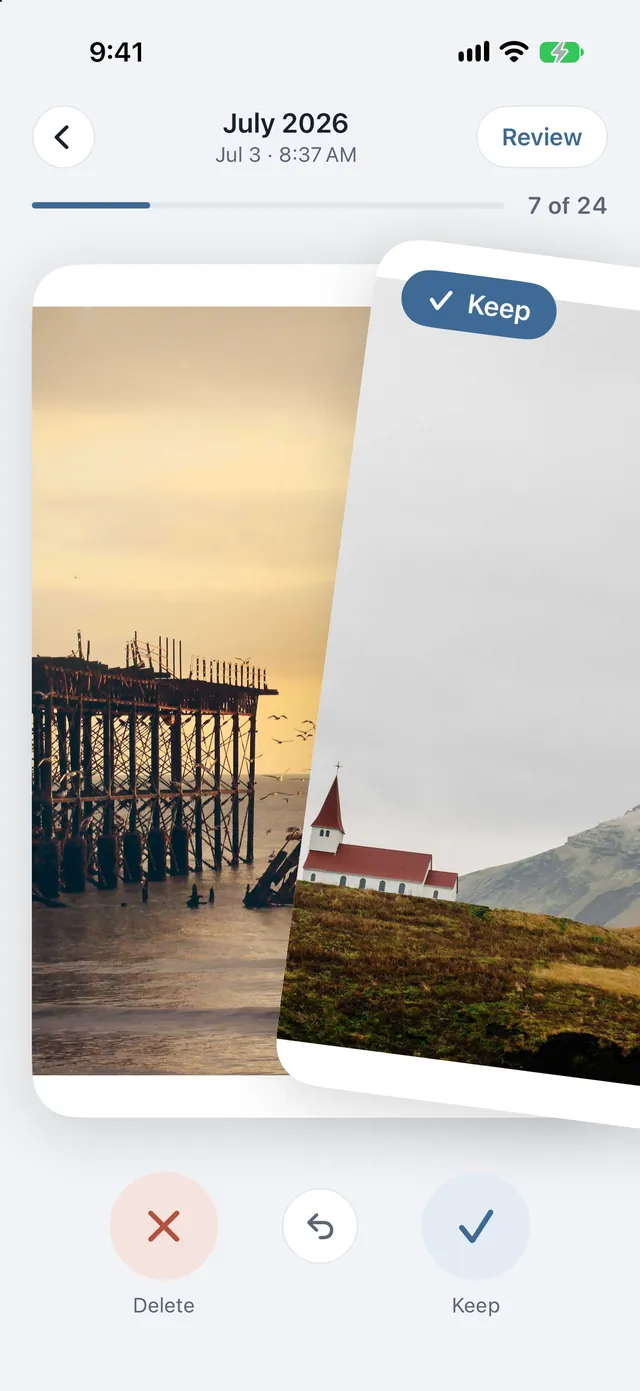
Swipe through a month
Swipe right to keep, left to delete. Your progress is saved, and finished months are ticked off.
-
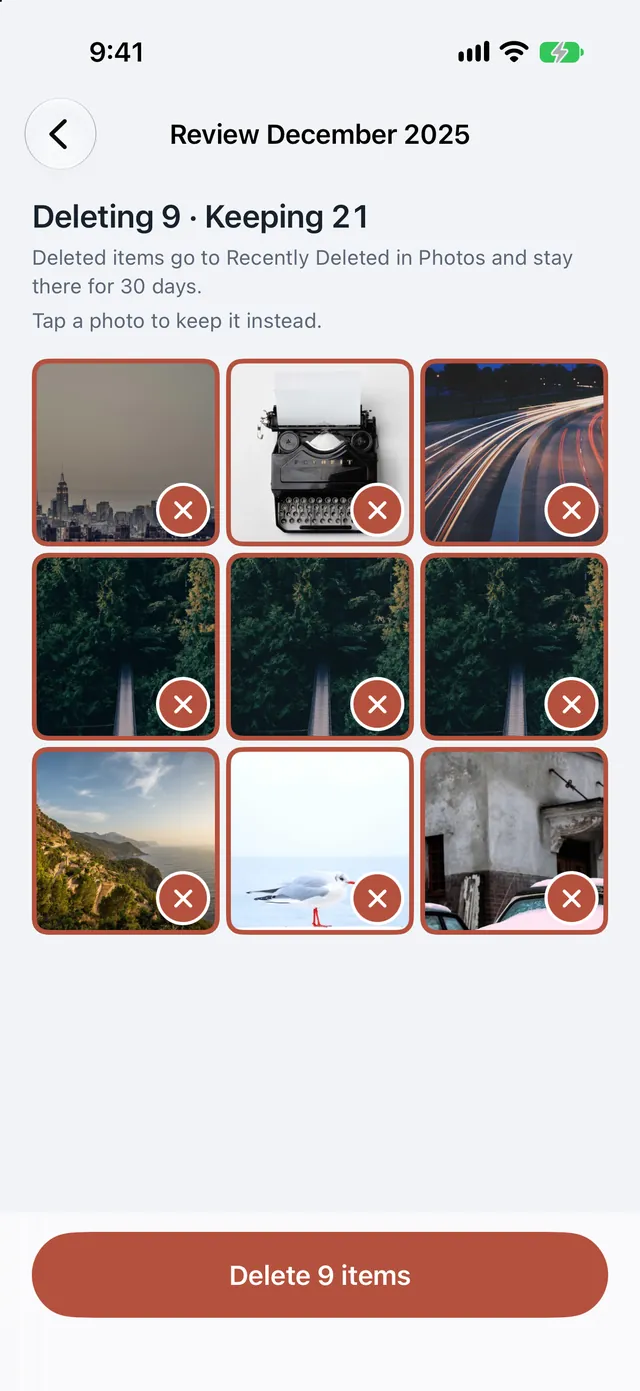
Review what you marked
Everything you mark waits on one Review screen, so you can check it before anything goes.
-
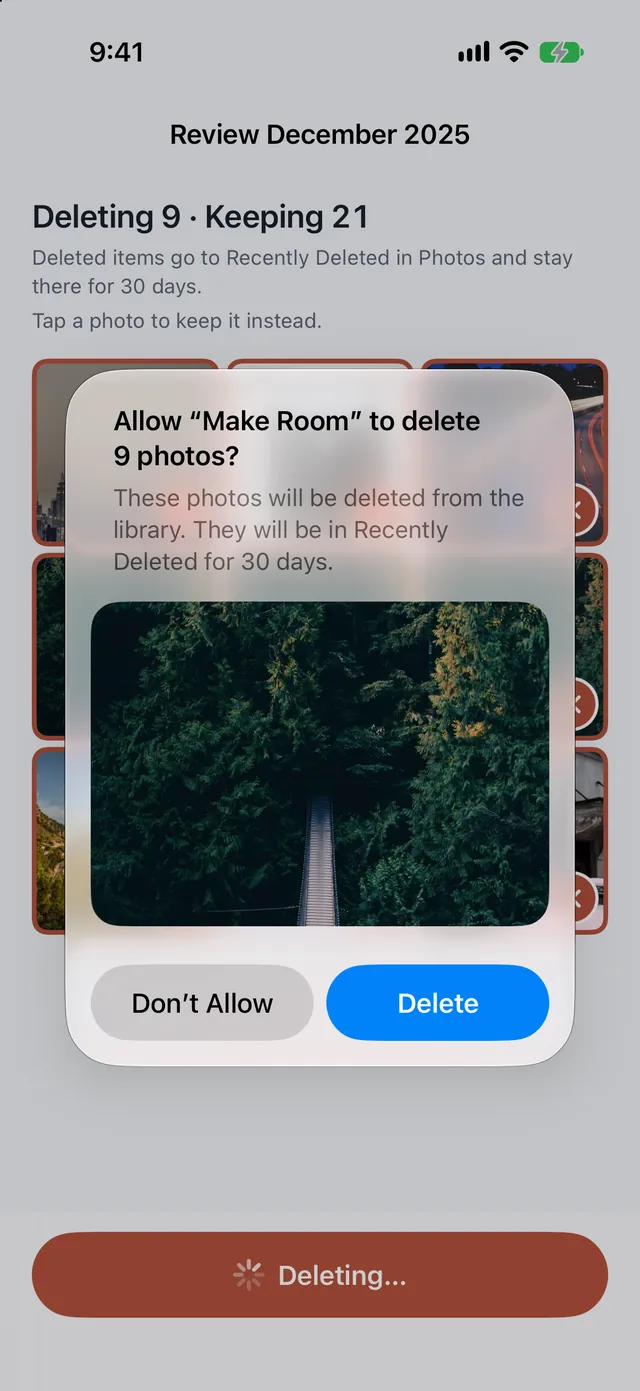
iOS asks first
Delete it all in one go. iOS asks you first, and deleted items stay in Recently Deleted for 30 days.
Prefer another way in? Try Shuffle or Screenshots on the Photos tab, or Biggest first on the Videos tab.
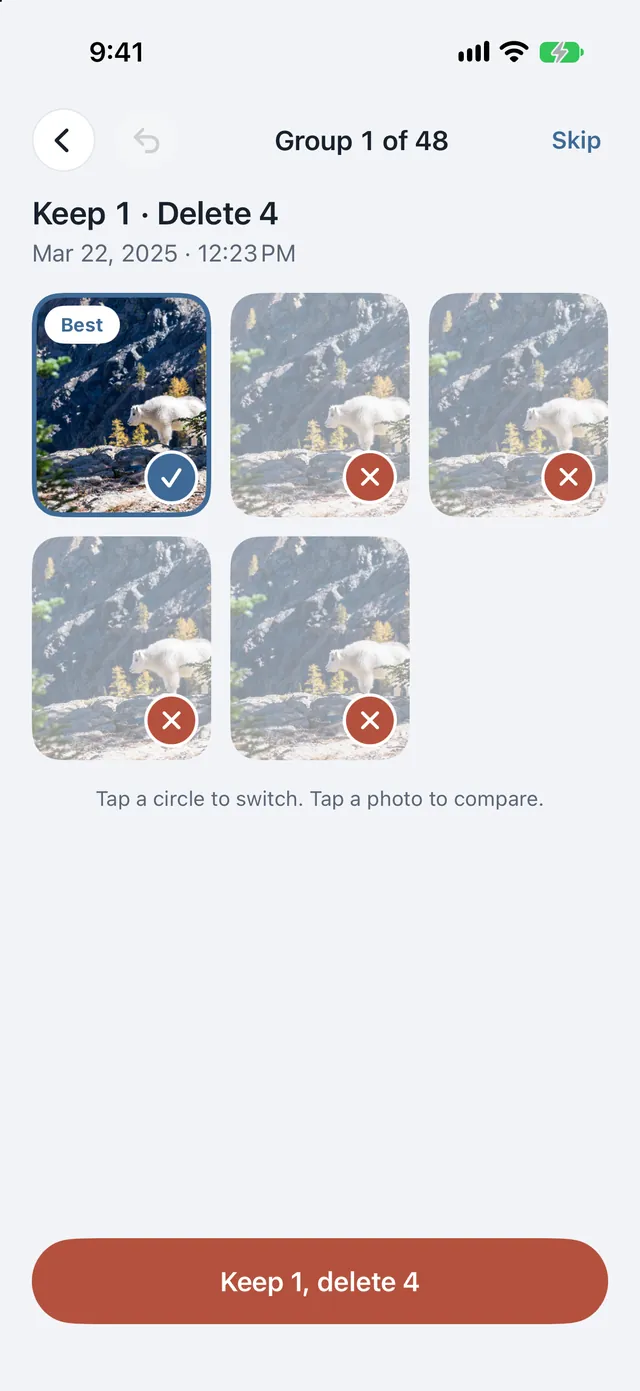
Duplicates and bursts, grouped for you
Similar photos, similar videos and the extra frames inside bursts are grouped, with the best shot already picked. One tap per group.
Everything stays on your iPhone
No account, no server, no ads and no tracking. Make Room's App Store privacy label is "Data Not Collected".
Free every day
Free
100 swipes and 5 duplicate groups a day, reset at midnight.
Reviewing and deleting are never limited.
Make Room Pro
One optional, one-time purchase that removes the daily limits.
No subscription, and Family Sharing is on.

Coming soon to the App Store
For iPhone, iOS 18 or later. Questions? Get support.